Quick Glance – FlipGrid

To assist with your Getting Started EdTechDemo Level Up we’ve created this short guide on FlipGrid. Please click on the image below to view the Quick Glance Thank you for watching this short video clip. For more detailed support contact the eLearning team by emailing elearning@loucoll.ac.uk.

College DTLA Platforms & Programs

Current Supported Platforms and Programs Loughborough College is excited to present a wide range of platforms and programs for you to utilize during teaching, learning, and assessment. The infographic can be downloaded and will detail all of the systems of which we recommend and support. Due to GDPR and the …

Quick Tip – Do Learners Keep Talking Over You? Use the ‘Don’t allow attendees to unmute’ option!

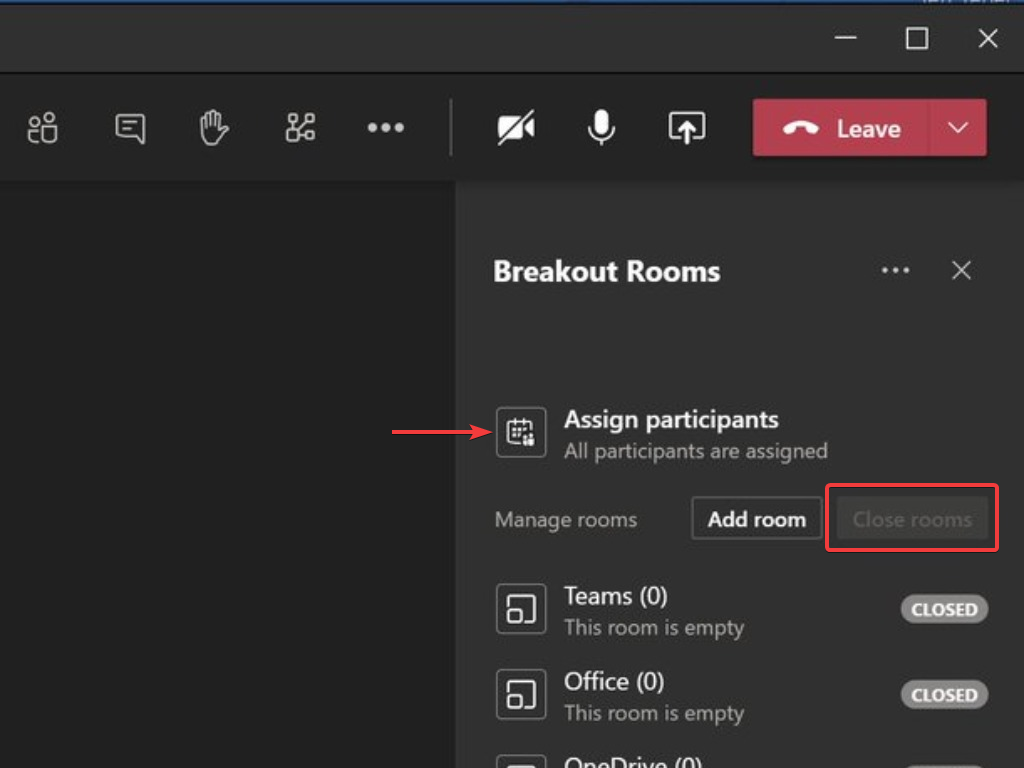
You now have the option to prevent students from unmuting. You’ll now see three options. See image below. Make Learners Participants Make sure you go to the ‘Manage Permissions‘ options first and change ‘Who can Present?‘ to ‘Only Me‘. See this blog for help with this: http://blogs.loucoll.ac.uk/learningtechnology/2020/09/30/top-tip-prevent-students-from-sharing-unmuting-removing-others-in-meetings/ When inside a …

Quick Glance – Tracking Student Activity On Microsoft Teams Using The Insights Apps

Insights in Microsoft Teams uses at-a-glance data views to help you catch up on all your students’ Teams activity, from assignment turn-in to engagement in-class conversations. With spotlights on important trends in student activity, your Insights dashboard can save you time in planning, giving feedback to students, and providing help …

Quick Tip – Prevent Students From Sharing, Muting, Adding & Removing Others in Meetings

Are you having issues with learners removing or muting other learners in online lessons on Microsoft Teams. Simply change the permissions of the meeting so that only you can control these features. When inside a meeting: Open up the Participant List Click the three dots Click Manage Permissions Set the …

Back to Top