Quick Glance – NEW!! Breakout Rooms

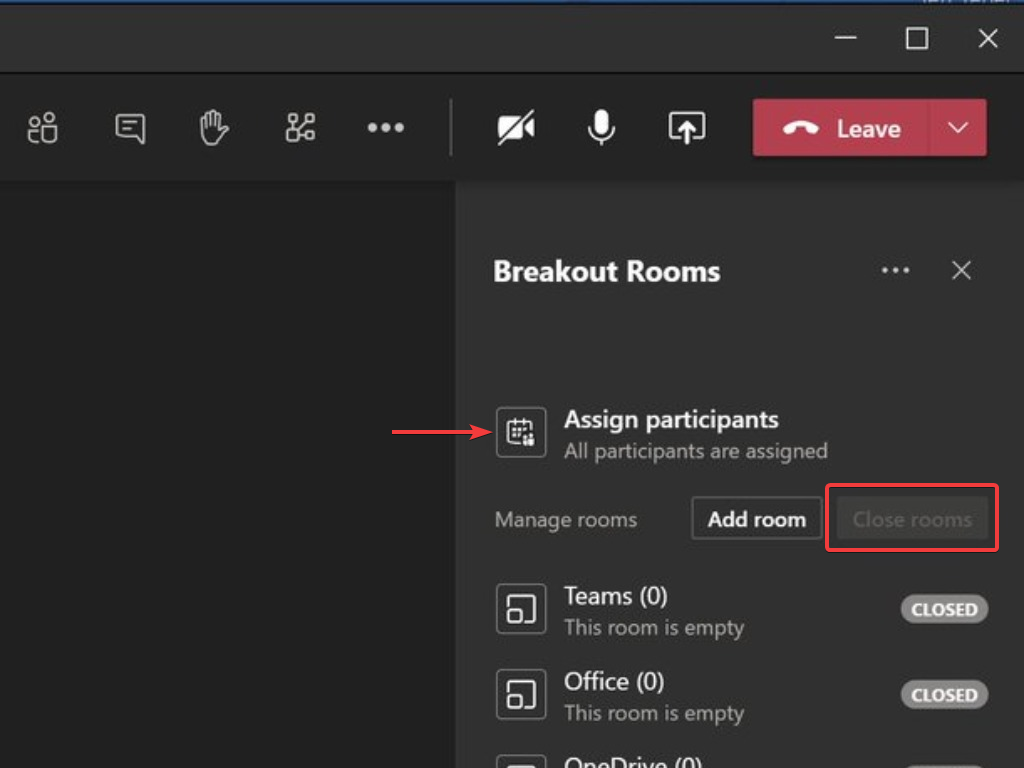
Creating meaningful connections can be difficult in larger group settings. Breakout rooms allow organizers to divide the meeting into sub-groups to facilitate discussions and brainstorming sessions. We are excited to share that Breakout rooms are generally available in Microsoft Teams today Contact the eLearning Team if you have any further …

Meeting Options Settings – Take Control of Your Lessons!

Are you having issues controlling meetings with students? If so, try tweaking the meeting options. To easily access the ‘Meeting options’ settings click on the ‘dot dot dot’ to reveal the settings. Common Issues ‘Some learners can’t get into the meeting’ – this could be because if learners are ‘Presenters’ …

Quick Tip – Do Learners Keep Talking Over You? Use the ‘Don’t allow attendees to unmute’ option!

You now have the option to prevent students from unmuting. You’ll now see three options. See image below. Make Learners Participants Make sure you go to the ‘Manage Permissions‘ options first and change ‘Who can Present?‘ to ‘Only Me‘. See this blog for help with this: http://blogs.loucoll.ac.uk/learningtechnology/2020/09/30/top-tip-prevent-students-from-sharing-unmuting-removing-others-in-meetings/ When inside a …

Back to Top