

Welcome
In this issue, we share news, top tips, and resources – all to help improve your digital teaching, learning, and assessment practice.
For Digital Learning courses and resources, head over to Digital Learning Pathways on StaffZone.
News
Canva Essentials for students

As part of the Digital Skills pathway for students on LearnZone, please promote Canva Essentials in your classes. We’re currently developing this pathway and will be adding new courses over time.
If you want to improve your Canva skills, why not complete our Canva training on StaffZone instead?
How to Set Up a Passkey for Microsoft

When signing in to your Microsoft account, you may have recently noticed prompts to set up a Passkey. To help you understand and use this new sign-in method, the IT team has created a handy step-by-step guide. The guide explains how to securely access your account using a Passkey and QR code authentication, with a simple walkthrough to help you complete the sign-in process quickly, safely, and with confidence. Learn how to set up a Passkey
Access to Wayground licence

Just a reminder, you can use your college Microsoft login to create a Wayground account and access our full licence.
To be enrolled on the College Group Wayground licence, email Digital Learning (digitallearning@loucoll.ac.uk), and we will add you to the licence. Learn more about Wayground in our training on StaffZone.
Top Tips and Resources
Turnitin Training

Get assignment-season ready with our Turnitin course. Designed to help you confidently create Turnitin assignments on LearnZone or Teams, navigate submission inboxes and settings, and mark work effectively in the Feedback Studio. You’ll also learn how to upload templates and rubrics to streamline marking and use Similarity and AI reports to support fair and consistent assessment. Perfect for making the busiest time of year a little smoother and smarter!
Approved Platforms & Technologies
You can find a list of all our Approved Platforms & Technologies to enhance digital teaching, learning, and assessment on our blog. There, you will find Our Recommended Technologies (applications for which we have full licences), alongside a list of Third-party Authorised Apps.
For any third-party apps, use only free accounts unless previously agreed with Digital Learning. You must not upload student or business-sensitive data to these apps. Do not sign up for additional trials. Please check with the Digital Learning Team before using any other third-party technologies and tools online or otherwise. All paid-for applications need to be approved by the Head of Digital Learning and Libraries and the Executive Director of IT and Transformational Change Programmes.
Top Tip – Shortcut – Instant answers to maths questions

If you type in a maths question using the search box on the toolbar of your computer (or by pressing the Windows key), a calculator will automatically appear and answer the question, saving you time opening the calculator app or searching for the answer on the internet.
What’s Happening
3D Printing
Our printers have been busy printing since the start of the term, producing several educational prints to enhance teaching and learning. We wanted to share our latest Animal Care prints with you, including animal and plant cell models, microscope slides, and more.
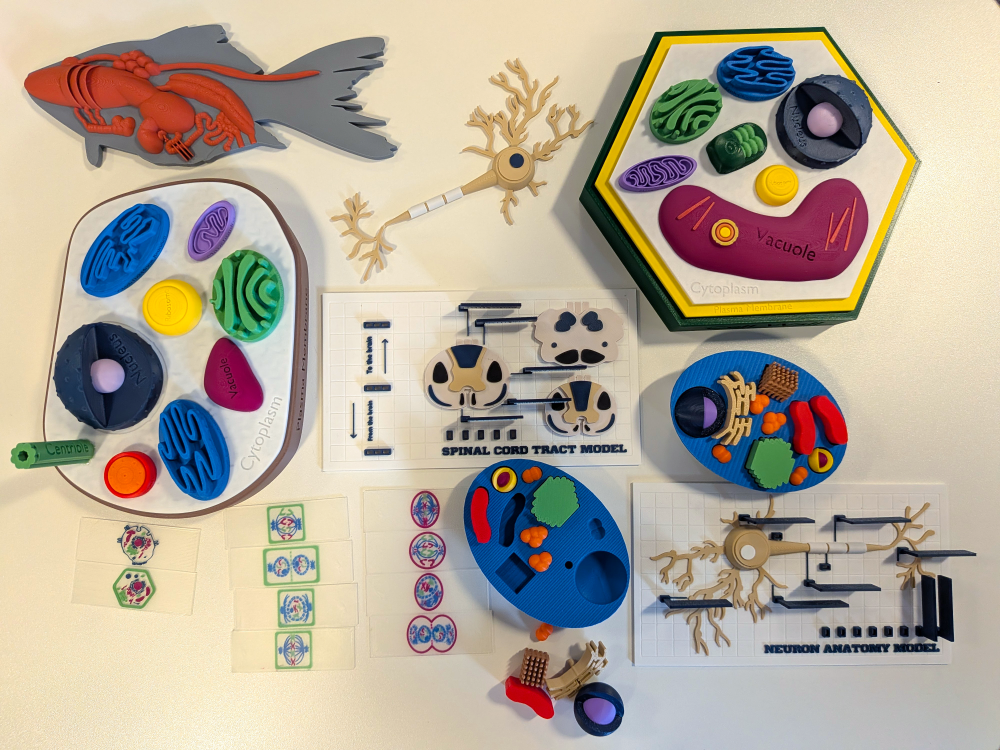
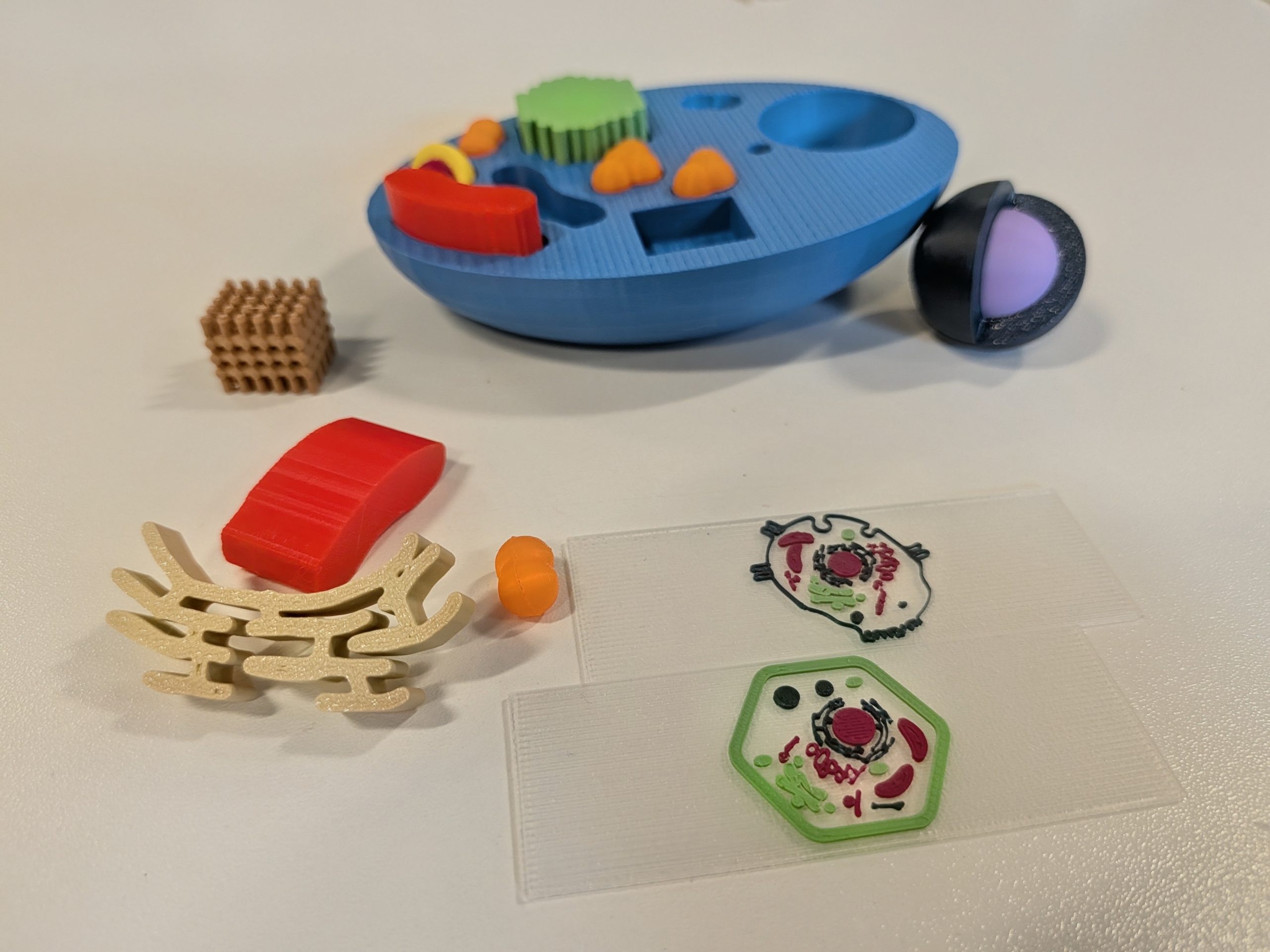
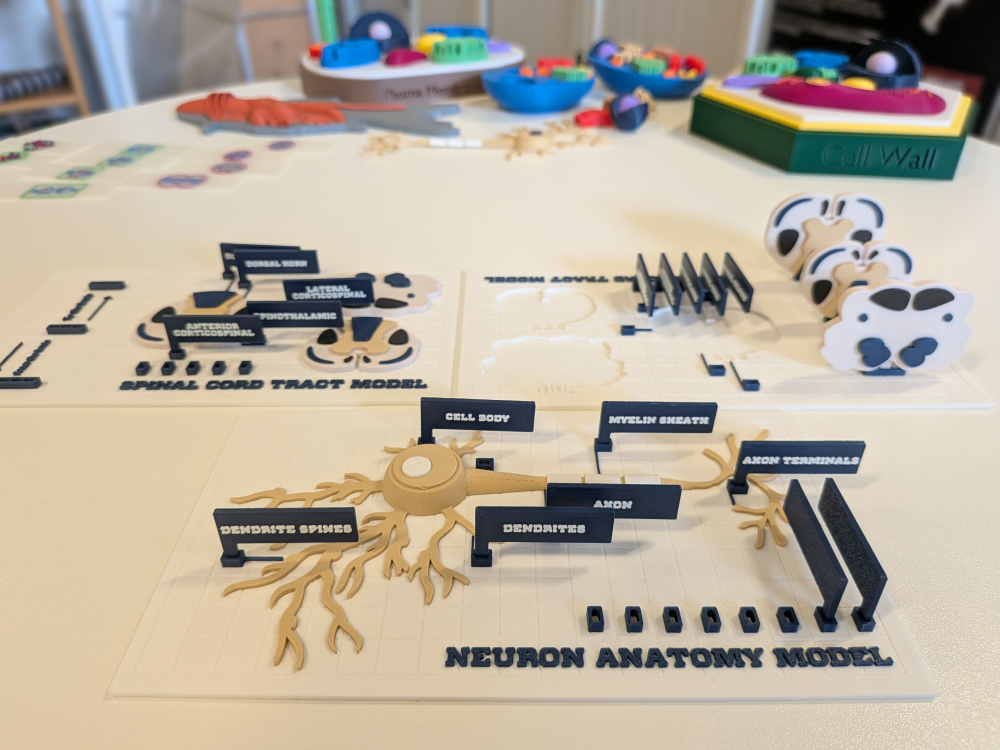
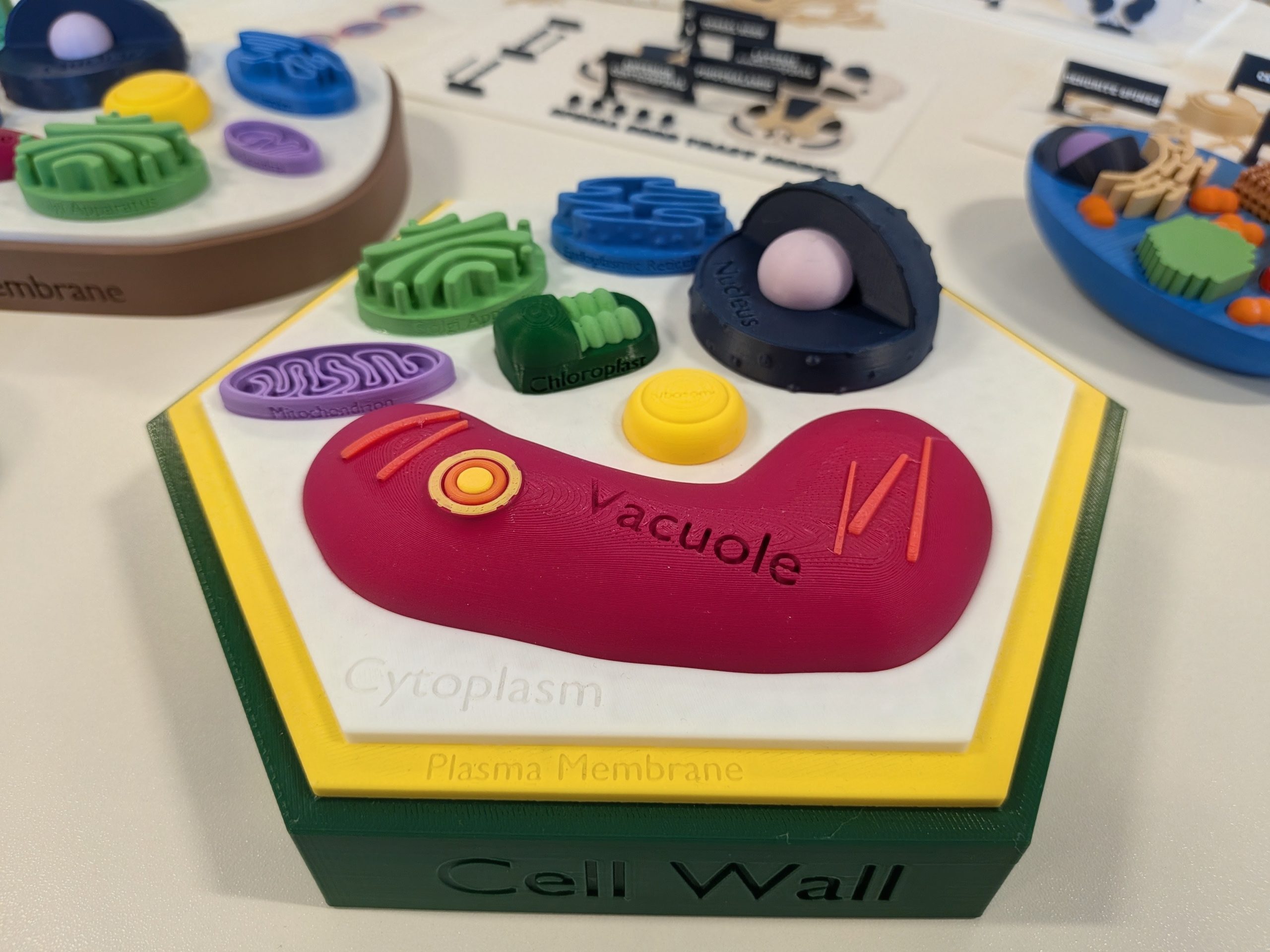
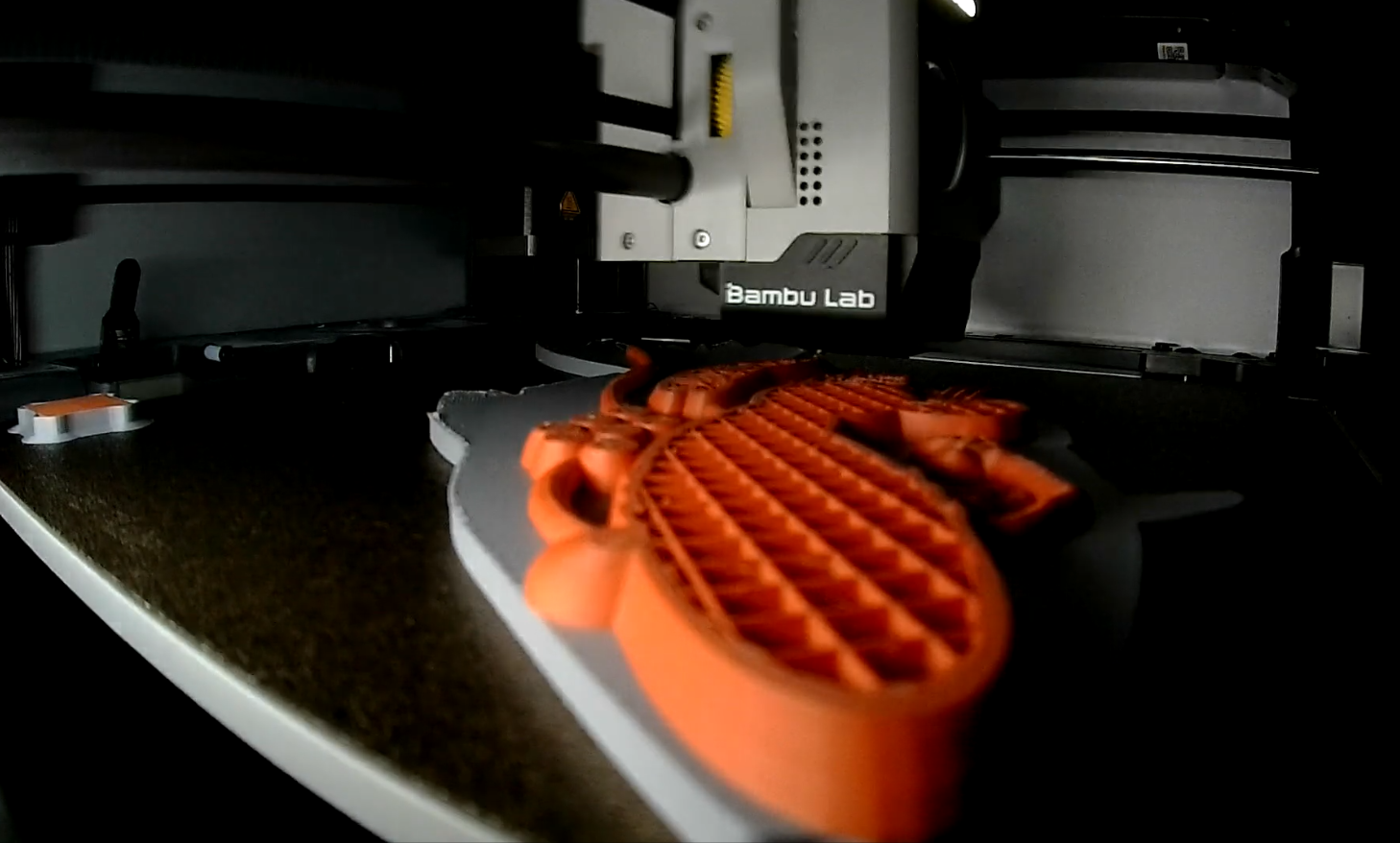
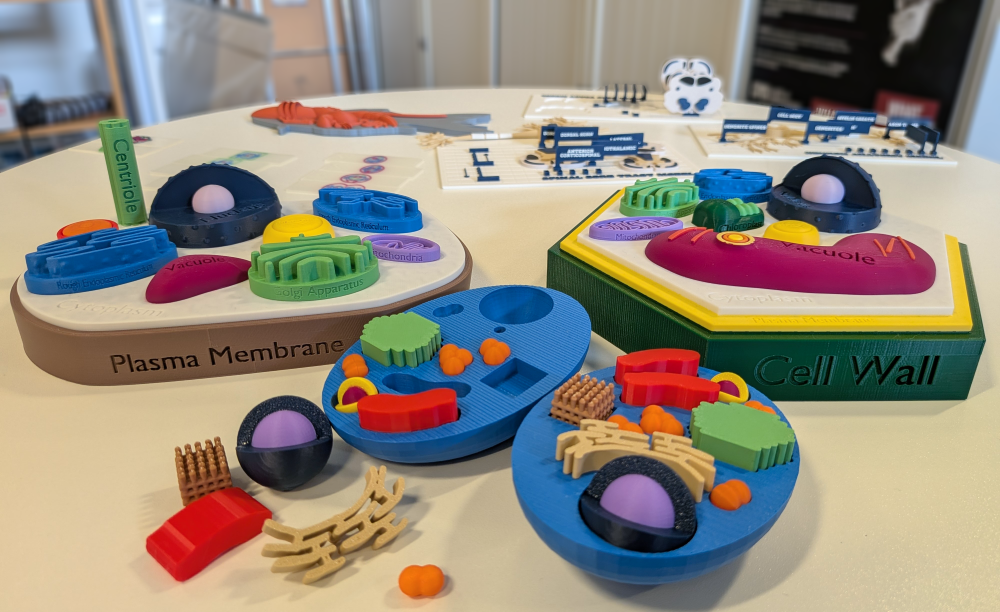
You can learn more about 3D printing here or explore MakerWorld and Printables for some great 3D models. If you find an educational model you would like us to print, or if you need any help or information, don’t hesitate to contact us!
Help and Support

As always, contact the Digital Learning Team for more information, guidance, and support. You can also book a coaching session here: Digital Learning Coaching.