
Welcome
In this issue, we share important news, top tips and resources – all to help improve your Digital Teaching, Learning, and Assessment practice.
For Digital Learning courses and resources, head over to Digital Learning Pathways on StaffZone.
News
Rollover of LearnZone and Teams


Each year, LearnZone and Teams go through an annual rollover process, and it’s important that all teaching staff are aware of what’s involved.
Please take a few minutes to visit our blog, where you’ll find all the key information and steps you need to follow to get everything ready for the new academic year.
The rollover will take place during CPD week, from Wednesday, 1st July to Friday, 3rd July, to minimise disruption to teaching.
How to hide Turnitin grades in LearnZone’s Gradebook
Turnitin now releases grades in LearnZone’s Gradebook as soon as they are entered during marking. This has created an issue where students can see their grade before the Turnitin Feedback Release Date. Although students are unable to view their feedback until the release date, their grade is still visible in LearnZone’s Gradebook. This can lead to confusion and undermine the intended feedback release process.
To prevent this, you will need to include an additional step when setting up your assignment. Learn more in our blog.
AI Awareness Day
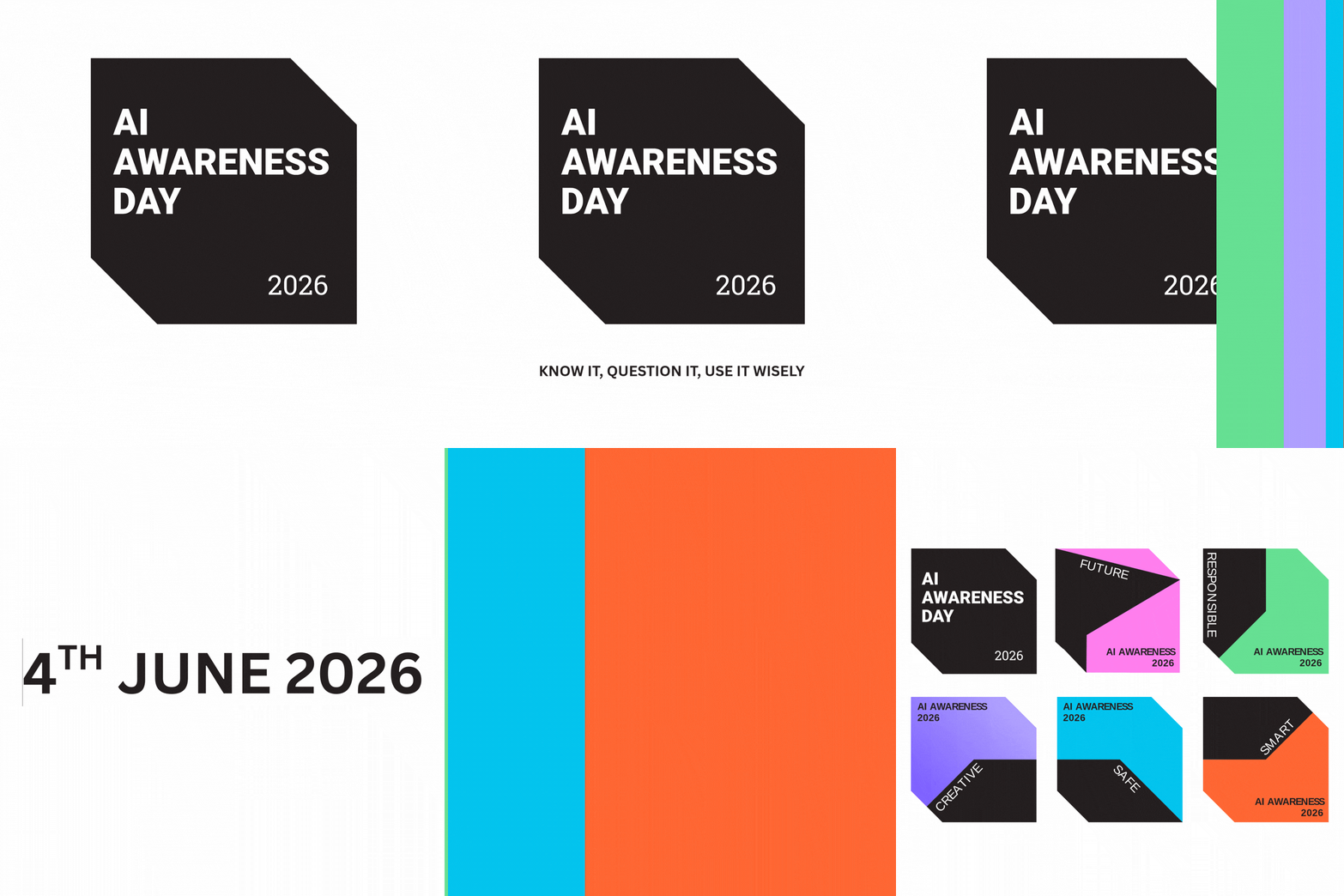
The 4th June is AI Awareness Day, a nationwide campaign aimed at improving AI literacy among students, teachers, and parents, with the theme: “Know it, Question it, Use it Wisely.” You are encouraged to run activities that help people understand how AI works, think critically about its limitations, and use it responsibly.
You can learn more about AI in our Artificial Intelligence Essentials course.
CPD Completion
As a reminder, if you have completed any of our online self‑paced or in‑person training, please fill out the relevant completion form to receive your CPD hours. If you have not completed the training, but can confidently use one of our approved technologies, please complete the Digital Curriculum form.
- If you have completed any of the Digital Essentials training: Digital Essentials CPD Completion Form.
- If you have completed any other online self-paced or in-person training: Digital Curriculum CPD Completion Form.
Top Tips and Resources
Bodyswaps
Bodyswaps modules and pathways are now available for students to complete either synchronously or asynchronously, as part of core classroom activity or as stretch-and-challenge tasks inside or outside the classroom.
Previously, Bodyswaps was only accessible to students through timetabled VR sessions. However, the Desktop app is now available on College PCs and laptops. This means teachers can assign modules and pathways for students to complete flexibly, whether in class or independently. Learn more in our blog post.
Top Tip – Shortcuts
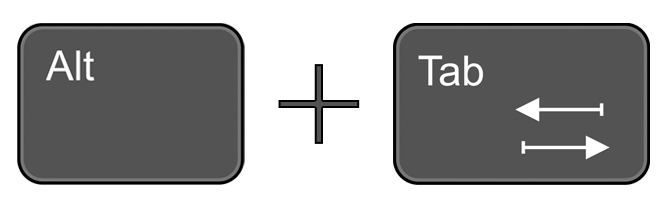
If you hold down Alt and then press Tab ↹ on your keyboard, you can switch between the open windows. Keep holding down Alt, and press Tab repeatedly until you get to the window you want.
This is the perfect shortcut to quickly move between windows when working with a single screen.
Help and Support

As always, contact the Digital Learning Team for more information, guidance, and support. You can also book a coaching session here: Digital Learning Coaching.