
Welcome
In this issue, we share news, top tips and resources, coaching, and the “fun stuff” we are doing to help improve your Digital Teaching, Learning, and Assessment practice.
For a full list of our approved platforms and technologies, visit our dedicated blog page.
News
Edpuzzle training day

We’re excited to share that Edpuzzle will be coming to the Loughborough campus on Tuesday, the 10th of February, to deliver training and answer any questions you may have.
Edpuzzle is an interactive video platform that transforms standard videos into engaging learning experiences. You can embed questions, links, and notes directly into videos, benefit from automatic grading, and access real‑time analytics, all designed to boost student participation and track understanding.
During the training, we’ll explore practical ways Edpuzzle can support teaching and assessment. Whether you’re completely new to the platform or looking to develop your skills further, this session will offer hands‑on guidance and ideas you can start using straight away.
How to attend: No need to book, just come along to our drop-in training session at 2pm in H102 (in the library)
CPD Completion
If you have completed any of our online self‑paced or in‑person training, please fill out the relevant completion form to receive your CPD hours. If you have not completed the training, but can confidently use one of our approved technologies, please complete the Digital Curriculum form.
- If you have completed any of the Digital Essentials training: Digital Essentials CPD Completion Form.
- If you have completed any other online self-paced or in-person training: Digital Curriculum CPD Completion Form.
1-to-1 Digital Learning Coaching
Last month, we launched our Digital Learning Coaching as part of our training provision. These are structured 1-to-1 coaching sessions for teaching and business support staff who have completed digital training but would benefit from additional, tailored support. Sessions are practical, role-focused, and centred around clear aims and outcomes, helping you build confidence, improve efficiency, and make better use of digital tools in your day-to-day work.
Our range of online pathways can be found here: SZ: Digital Learning Pathways.
You can book team training by contacting us via email.
Book a coaching session here: Digital Learning Coaching.
Top Tips and Resources
Learning Accelerators: Speaker Progress
Speaker Progress, one of Microsoft’s Learning Accelerators, is built to help educators create structured speaking assignments, track progress over time, and give students meaningful, personalised feedback on their presentations, all within Microsoft Teams.
It has a wealth of benefits and can be assigned to students easily. Learn how to utilise this tool with your students in our blog.
What’s Happening
3D Printing
Our printers have been busy printing since the start of the term, producing several educational prints to enhance teaching and learning. We wanted to share with you our latest educational print for Sport – an Airless Basketball. Check out the timelapse of the print below:
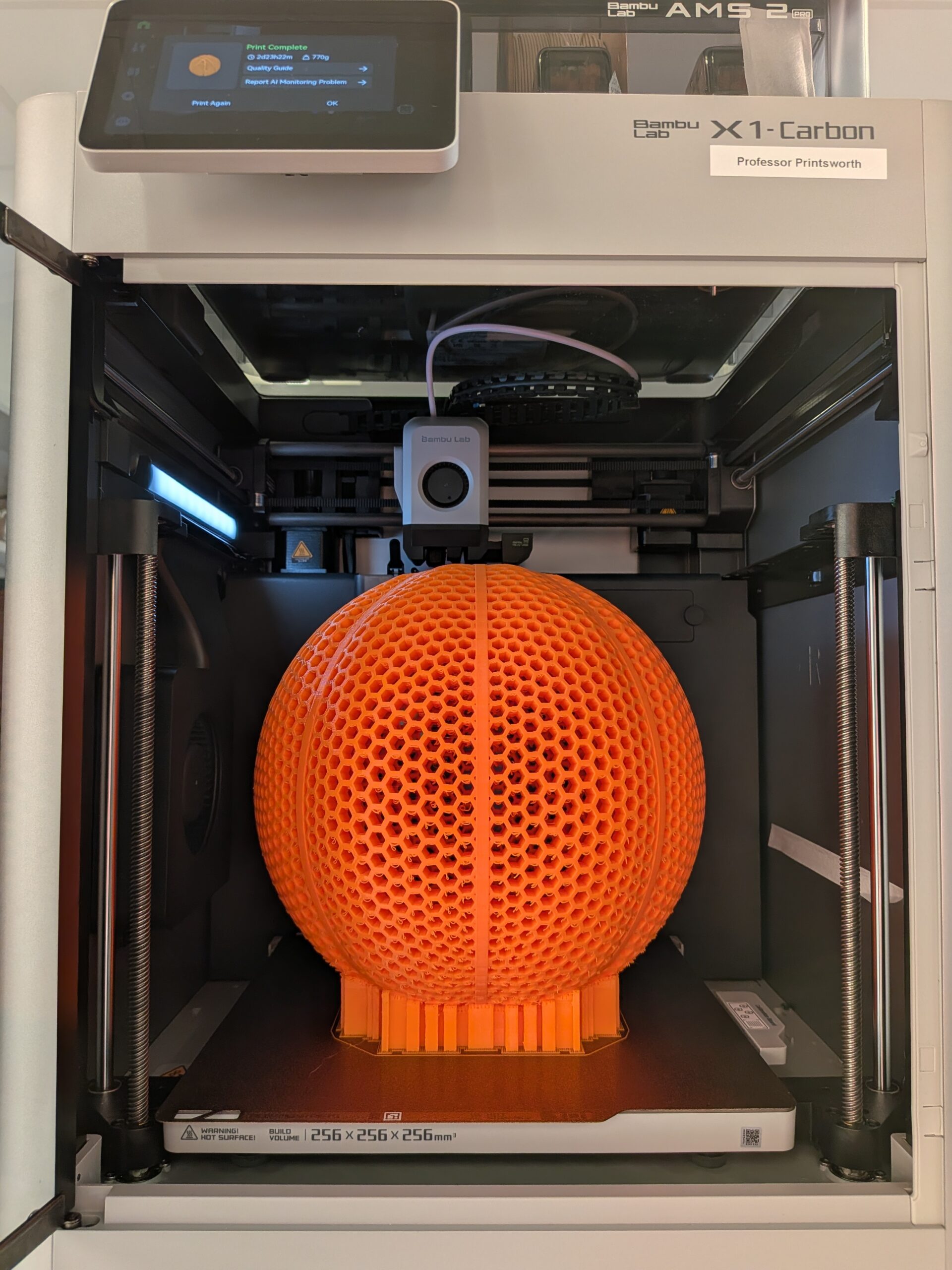
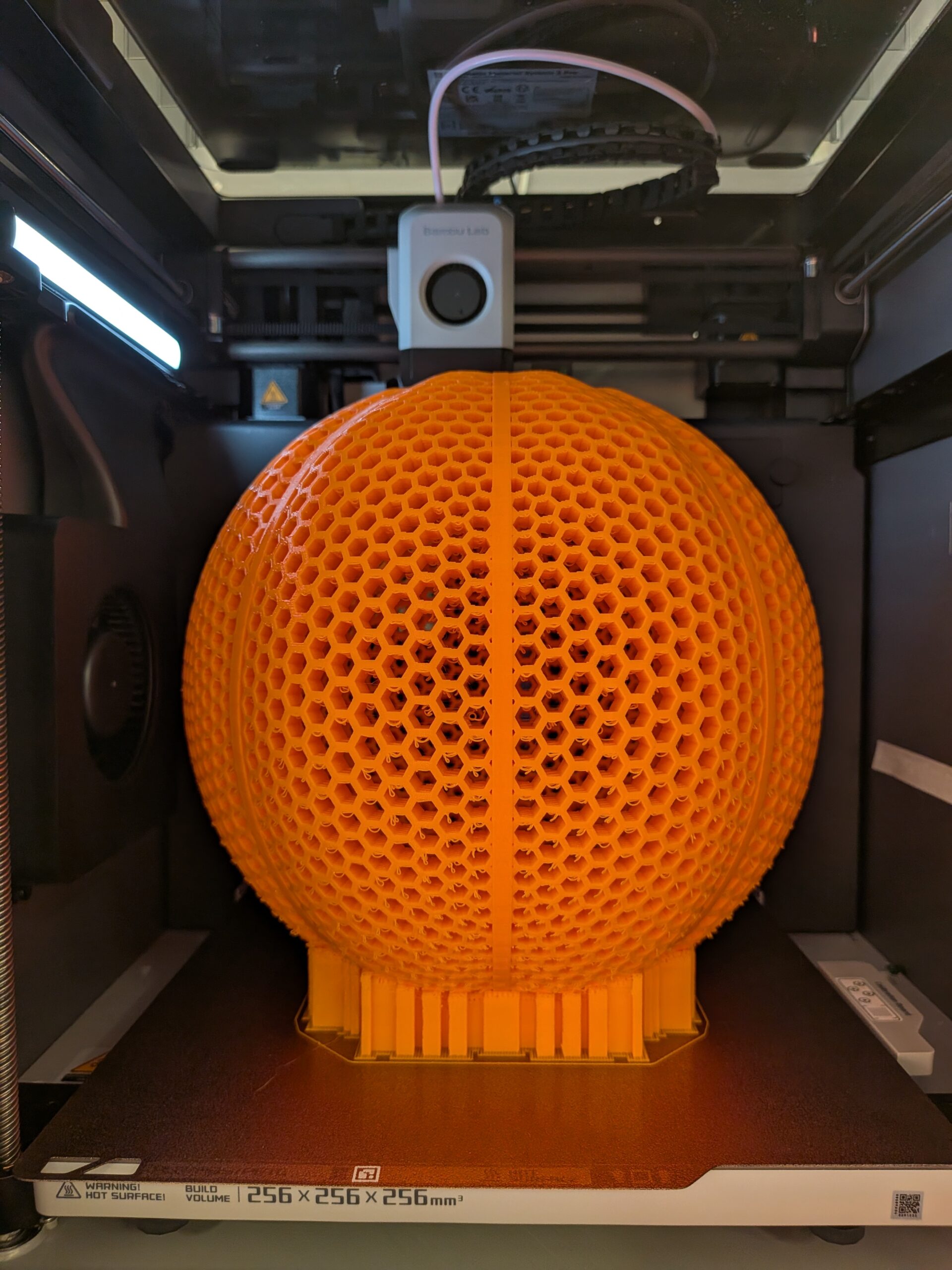
Contact us if you would like something printed to utilise in your teaching and learning. You can browse 3D models on MakerWorld and Printables.
VR

We have recently been running Bodyswaps (soft skills) and 3D Organon (anatomy) VR sessions for classes across the curriculum and wanted to promote our offering.
Virtual Reality (VR) transforms education by providing immersive, interactive experiences. We offer sessions for our supported programs. We are also happy for staff to research and suggest apps for us to download for them to try.
If you have any questions about the VR sessions, would like to book a session, a demo, or recommend apps to us, contact the Digital Learning Team.
For the full list of currently supported VR apps, navigate to our Virtual Reality Applications blog page.
Help and Support

As always, contact the Digital Learning Team for more information, guidance, and support. You can also book a coaching session here: Digital Learning Coaching.