

Turnitin Multipart Assignments have returned, making it easier to support staged submissions and scaffolded learning activities within a single assignment workflow.
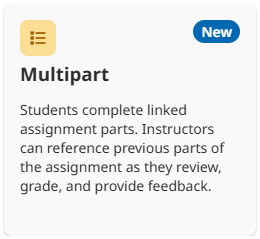
Multipart Assignments let you create multiple submission points for the same piece of work, such as an outline, first draft, and final submission, each with its own instructions, deadlines, and feedback settings.
This is useful for larger projects, dissertations, research assignments, and developmental writing tasks where learners benefit from submitting work in stages and receiving feedback throughout the process. Students can see their progress across all assignment parts, while you can review submissions and provide feedback at key milestones.
Create a Multipart assignment
Multipart Assignments can now be created through Turnitin on both Microsoft Teams and LearnZone. To begin, create the overall assignment that will contain the assignment parts:
- From Turnitin, select Create Assignment.
- Select Multipart.
- Enter the Overall assignment title.
- Select + Add Part and complete the required details for the assignment part.
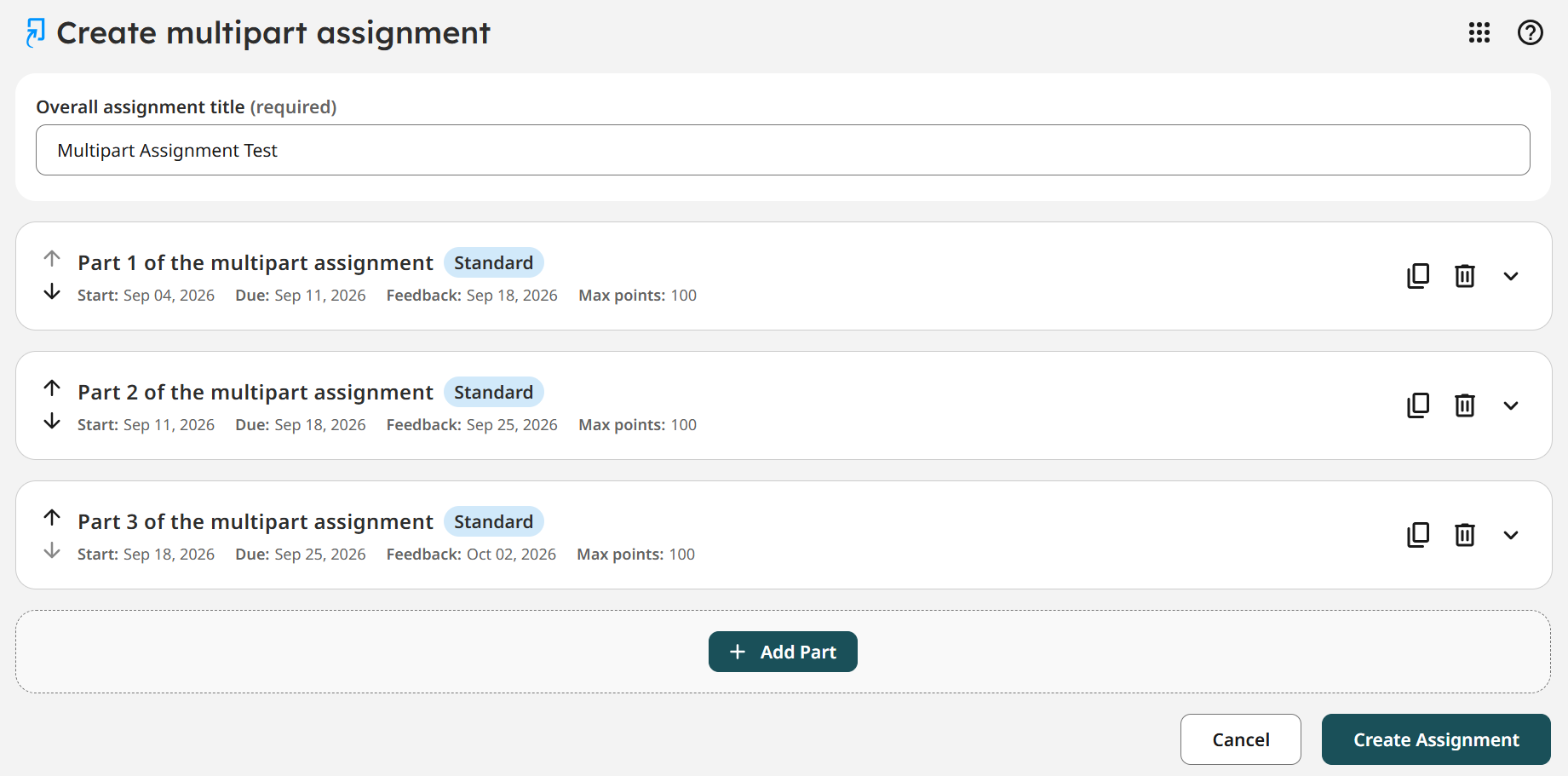
- Repeat the process for each part you want to include.
- Once you are done, select Create Assignment.
Helpful Tips
- A Multipart Assignment can include up to 8 parts.
- You can duplicate, delete, or reorder parts before selecting Create Assignment. Once the assignment has been created, these actions are no longer available.

- Duplicating a part copies its assignment details and settings, but does not copy its dates. You will need to add new dates to the duplicated part before creating the assignment.
Multipart Assignments can help provide a structured approach to assessment design and supports active learning by encouraging students to develop, reflect upon, and improve their work over time.
If you would like support creating Multipart Assignments in Teams or LearnZone, don’t hesitate to contact the Digital Learning team.
Help and Support

As always, contact the Digital Learning Team for more information, guidance, and support. You can also book a coaching session here: Digital Learning Coaching.